Claude can now turn its artifacts into installable apps for Mac and Windows
The beta feature gives Claude-built tools their own icons and windows, with tiered permissions that run up to full access to your files.
 By Ethan Kim
· 5 min read
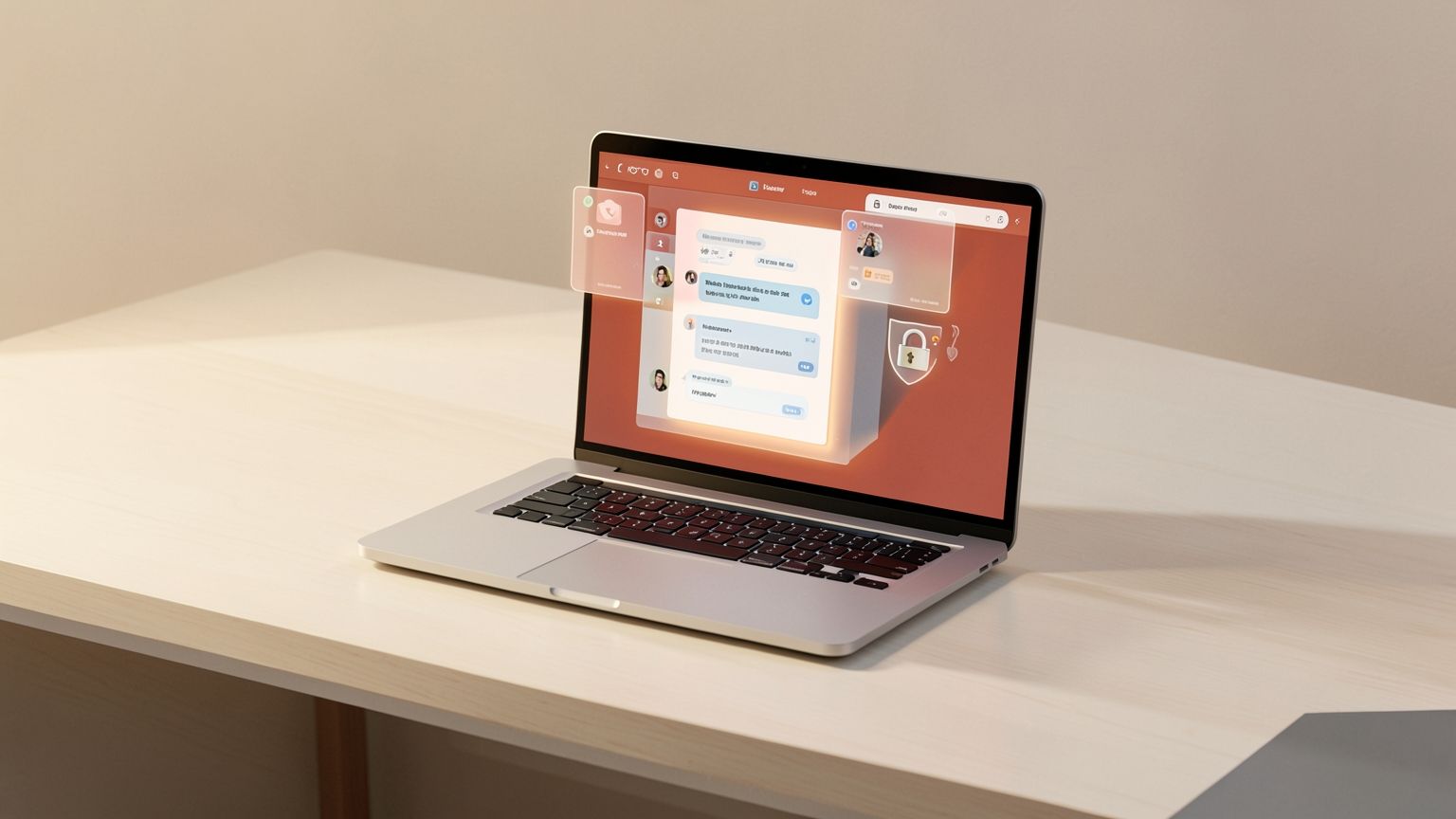
Anthropic has started letting Claude users install artifacts, the interactive tools and documents the chatbot builds, as standalone desktop apps on Mac and Windows. The "Install as app" feature began rolling out in beta on Tuesday. It is available on every Claude plan, free and paid, through the Claude desktop app. Linux is not supported.
Artifacts are what Claude produces in the panel beside a chat: documents, designs, dashboards and small interactive tools that users can view and edit. Anthropic introduced them in 2024. Until now they lived inside the Claude window or a browser tab. Once installed, an artifact gets its own icon, opens in its own window, appears in the Mac Dock and can add an item to the menu bar. Users can also share these apps with other people.
The pitch is simple. Anthropic said a work tool "should open like the rest of your apps and remind you when something needs your attention." That reflects how many people already use artifacts: as repeatable tools for recurring tasks, such as a dashboard checked every morning or a form filled out every week. Making them separate apps means someone can keep one running while starting a new Claude conversation, or use the app without opening Claude at all.
The part of this launch that deserves the most attention is what these apps are allowed to touch. Anthropic does not require artifact apps to be packaged or signed, the usual steps that let an operating system verify where software came from. Instead, users pick from three permission levels when they install one:
- Default: the app can do only what the same artifact could do in a web browser.
- App permissions: the app can send notifications, open windows that stay on top of others and listen for keyboard shortcuts system-wide.
- Full computer access: the app can, in Anthropic's words, "run programs and read, change, or delete your files without asking each time."
Anthropic has added some guardrails. Full computer access is available only for apps a user built personally, though on Team and Enterprise plans it also covers apps made by coworkers. Every time an artifact is edited, the installed app updates automatically and asks the user to approve its permissions again. Anthropic is also direct about what it doesn't do: "Anthropic doesn't review apps before you install them, so only give full access to apps you trust," the company said.
The re-approval prompt is a smart design choice. Because AI-generated code can change from one edit to the next, it gives users a regular checkpoint instead of a permanent blank check. The coworker exception for business plans is the riskier piece. Inside a company, an app with full file access built by someone down the hall gets passed around easily, and no one at Anthropic has looked at it first. The protection then rests on the person installing it understanding what "full computer access" means. Enterprise customers have an extra layer: the feature stays off until an administrator turns it on in Organization settings. Leaving it off by default looks like the right call for large IT departments.
These are not fully independent programs. Installed apps still need the user signed in to Claude and connected to the internet, so they won't work offline or on a machine without an account. They can use Claude itself and any connectors the user has set up, which link Claude to outside services. That is useful, but it comes at a cost: building an app and every request it sends to Claude count against the user's Claude usage limits. Free accounts have the lowest limits, so a free user who builds an app that queries Claude often could hit the cap faster than expected.
Some artifacts can't be installed at all. Anthropic's support documentation excludes legacy artifacts, live artifacts from Claude Cowork and artifacts created from its Docs, Slides and Sheets templates. The apps also fall short of what developers can build with Claude Code, Anthropic's coding tool, so this is not a replacement for real software development.
In practice, that makes artifact apps feel closer to the installable web apps that Chrome and Edge have offered for years than to traditional desktop software. They are a wrapper that gives a web-based tool a home on the desktop, plus some extra system powers when the user allows them. The difference is who builds them. Anthropic says the feature is aimed at both developers and non-developers, and the second group is the bigger story. Someone who has never written code can describe a tool, get it from Claude and pin it next to Outlook and Excel.
It also shows where Anthropic is taking Claude. Many organizations already use it as a work suite rather than a chatbot that answers one question at a time, and installable apps push it further toward being a platform people live in all day. The open question is whether people who aren't developers will keep their tools at the default permission level or click through to full access because it's easier. The feature's safety depends on that choice.
Users first need the latest version of Claude for Mac or Windows. After Claude creates an artifact, they open the Share menu and choose "Install as app," which downloads the app to the desktop. The permission level is set at that point and can be revisited each time the artifact changes. Anthropic has also published some example apps that show what the feature can do. The feature is still in beta, and Anthropic has not given a date for a full release.
Sources
Ethan Kim
Ethan Kim writes about consumer technology, including phones, computers, and connected devices. His coverage examines product announcements, specifications, and the tradeoffs behind new hardware. He focuses on turning technical details into useful context, helping readers understand how devices differ and which changes represent a meaningful step from earlier generations.
View all stories