Apple's HomeView arrives with face-based profiles, a beta Siri AI and caps on cloud features
Release notes and support guides published at launch spell out what the new hub can do, what it needs from your iPhone and where it still falls short.
 By Aisha Morgan
· 5 min read
Key Takeaways
- Up to six household members get personalized content, verified by face plus a nearby, recently unlocked iPhone or iPad
- Siri AI ships in beta, English only, and some cloud-based AI features have daily usage limits with paid expanded access promised later
- Notifications are limited to calls and home devices, and there is no power button
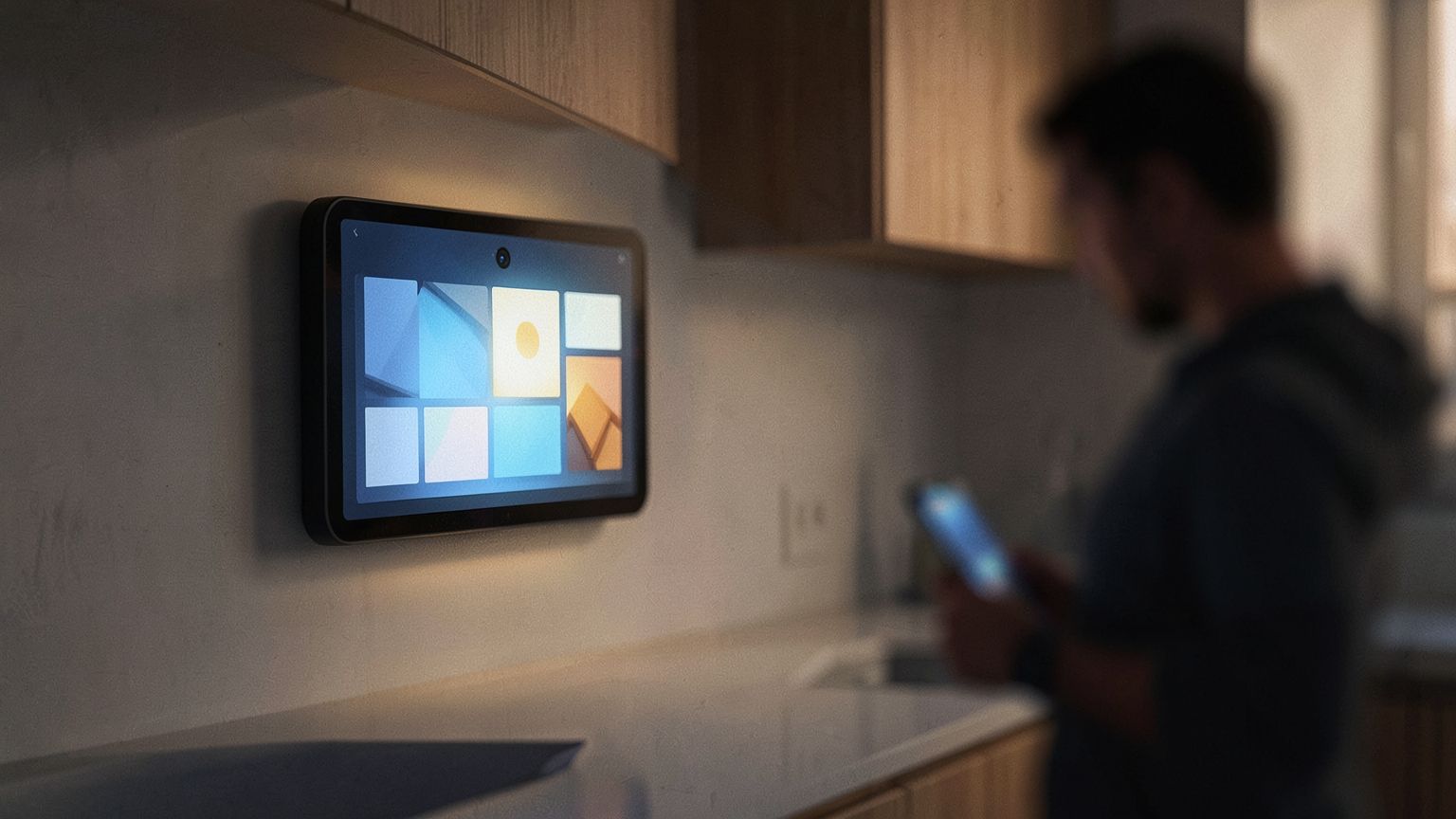
Apple's HomeView smart home display went on sale Nov. 13, and the fine print Apple published alongside it shows a device built around one idea: knowing exactly who is standing in front of it. HomeView software version 27.2, the first release Apple has documented publicly, can tailor content and controls for up to six members of a household, using face recognition backed by each person's iPhone or iPad.
The same release notes carry a less welcome detail. Siri AI, the conversational assistant at the center of the device, is labeled a beta, and certain Apple Intelligence features that run on Apple's servers come with daily usage limits. Apple says expanded access to those features will be offered for a fee in the future, without saying when or how much.
HomeView is Apple's first display designed for the smart home. Since announcing it, the company has posted a user guide covering setup, Home Screen customization, Siri AI, user profiles and accessory control, plus a run of troubleshooting and repair documents, including a page listing estimated out-of-warranty repair costs. More support material is expected in the coming weeks.
How HomeView decides who you are
Personal content on HomeView isn't unlocked by a face alone. The device checks that the person it recognizes also has their registered iPhone or iPad nearby, that the phone or tablet was unlocked recently and that it sits on the same Wi-Fi network as the hub. If the home Wi-Fi goes down, a phone with a cellular connection can stand in, provided it is in the same location and had recently been on that network.
That two-factor approach is the smartest design choice in the package. A shared screen in a kitchen or living room is exactly where a camera-only system could be fooled or could hand one person's messages to another. Pairing the face with a phone that has just been unlocked raises the bar considerably. The tradeoff is that the personalized side of HomeView effectively requires an Apple phone or tablet in every adult's pocket, which narrows its appeal in mixed-platform homes.
Apple's support guidance also makes clear that recognition is finicky. The company says HomeView probably won't identify someone whose face is covered, sunglasses included. The screen needs to be tilted toward the user's face, the person should be centered in the frame and closest to the camera when others are around, and overhanging shelves or cabinets can't block the view. Apple also asks for even, front-facing light. That is a long list of conditions for a device that will often live on a counter under cabinets, and it suggests some buyers will spend their first days moving it around.
Repeated failed attempts to reach personal content shut off camera-based recognition entirely; at that point, users must verify themselves with a registered device. Owners can also choose how much guests are allowed to reach.
The everyday details
Several smaller features surfaced as owners began setting the device up:
- A Mirror tool in Control Center turns the camera on the user, with an optional edge light to illuminate the face and 1x or 2x zoom.
- A sleep timer pauses whatever media is playing when it runs out.
- Signing in to apps and websites can be handled from an iPhone, much as it works on Apple TV.
- The transparency of the Liquid Glass interface can be dialed from clear to opaque, as on iPhone, iPad and Mac.
There is no physical button to power HomeView on or off. Restarting it means using the Settings app or briefly pulling the plug. Notifications are equally stripped down: the device alerts users only to phone calls and home devices, with a switch for critical notifications and no other notification controls.
That restraint looks deliberate, and it is probably right. A screen that buzzes with every group chat and shopping app would become noise in a shared room, and limiting alerts to calls and the home keeps HomeView focused on its job. Still, the complete absence of finer settings means anyone who wants, say, calendar reminders on the kitchen display is out of luck for now.
One setting has drawn particular praise. According to 9to5Mac, HomeView is the first Apple platform where automatic dark mode can follow the ambient light sensor rather than a sunrise-to-sunset or custom schedule. On a display that sits in a room with changing light all day, switching based on actual brightness makes far more sense than switching based on the clock, and it is easy to see why the outlet wants the option on iPhone, iPad and Mac.
Language gaps and the AI meter
Siri AI on HomeView works in English at launch, with Spanish support promised later. Requests that draw on personal context need a paired iPhone or iPad that supports Apple Intelligence, runs the latest software and has Siri AI switched on in a supported language. Apple also notes that some features and devices may not be offered in every region or language.
Canadian French is among the missing languages. Apple said on launch day that support will arrive in a software update, but gave no timeframe. For a voice-first device, that is a real gap in Quebec, where Canadian French is most widely spoken, and buyers there are being asked to pay for hardware whose main interface doesn't yet speak their language.
The usage limits deserve the closest watch. A personal phone with capped cloud AI is one thing; a household hub shared by up to six people drawing on the same assistant is another, and daily caps could pinch faster in that setting. Apple hasn't said whether the limits apply per person or per device, or what the paid tier will cost. Until it does, buyers should treat the server-backed parts of Siri AI on HomeView as a preview whose long-term terms are not yet set.
Taken together, the launch documents describe a carefully locked-down device with sensible privacy instincts and a lot of unfinished edges: a beta assistant, missing languages and an AI pricing model still to come. The hardware ships now; much of what makes it worth owning will arrive through software updates Apple has promised but not scheduled.
Sources
- 9to5Mac — Apple News: Here’s a HomeView feature that should come to every Apple device
- MacRumors — Apple News: HomeView Tidbits: Mirror, Sleep Timer, and Other Details
- 9to5Mac — Apple News: Apple details HomeView facial recognition, repair options, and more in new support guides
- MacRumors — Apple News: Apple Shares HomeView 27.2 Release Notes With List of Features
- MacRumors — Apple News: HomeView in Québec: Apple Says Canadian French Support to Arrive in Software Update
Aisha Morgan
Aisha Morgan covers software, digital services, and the product updates that change everyday technology use. Her work follows new features, platform decisions, and the details within release announcements. She explains what has changed, who may be affected, and how individual updates fit into broader shifts in the software landscape.
View all stories